Set it up. Watch it fill.
Pick a field, a time, and how many players you need. Joga handles the RSVPs, keeps a waitlist when you fill up, and lets everyone know if plans change.
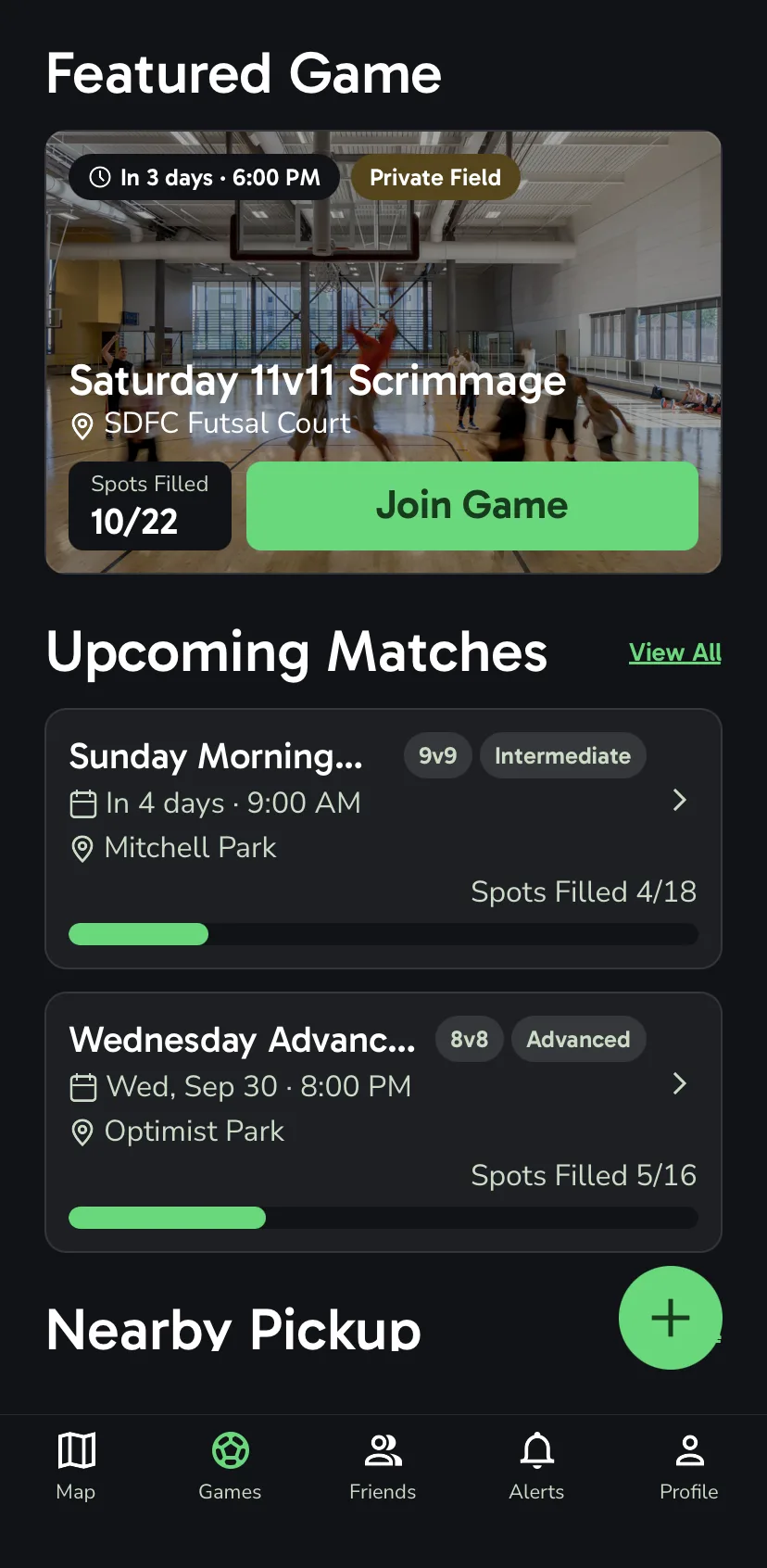
How it works.
- 1
Create a match
Choose the field, time, player count, and skill level.
- 2
Players RSVP
One tap puts them on the roster.
- 3
Full? No problem
The next person on the waitlist moves up on their own.
- 4
Everyone stays posted
Changes reach the whole roster the moment you make them.
The details.
Format from the headcount
Set fourteen players and the match reads 7v7. Joga works out the format from the number you pick.
Skill levels
Tag a match for beginners or for a sharper game, so people know what they are signing up for.
Description and cover photo
Add a few lines about the game and a photo to go with it. No photo? The field picture fills in.
A waitlist that moves
When someone drops out, the first person in line takes the spot and gets a heads-up that they made it.
Add to calendar
Put the match on your phone calendar right from the confirmation screen.
Share a link
Send the match to your group chat so people can jump straight to it.
Match conversation
Everyone on the match can talk it over in one thread, which clears itself 24 hours after the final whistle.
Edits and cancellations
Move the time, change the field, or call it off, and everyone who RSVP'd hears about it.
How the waitlist works.
Once a match is full, the RSVP button turns into a waitlist spot. You'll see your place in line, and you can step out of it any time.
If a player on the roster drops, the first person on the waitlist takes their place right away. Nobody has to chase down the organizer, and you get an alert the moment you're in.